In-house Content Managers: How to Achieve Content Marketing and SEO Integration at Scale
Why integration matters for in-house content teams
For in-house content teams, the magic number is scale without sacrificing quality. When content marketing and search engine optimization (SEO) operate in a single, aligned system, teams move faster, publish more consistently, and maintain a clear line of sight to business outcomes. Integration is not just about tools; it is about a cohesive process that unites discovery, creation, optimization, and measurement under one governance model.
Without integrated workflows, teams often wrestle with misaligned briefs, duplicated efforts, and fragmented analytics. Keyword research may exist in a spreadsheet, content briefs in a separate editorial system, and pages on the CMS with inconsistent metadata. The result is missed opportunities, longer cycle times, and harder-to-prove ROI. The goal is a repeatable, scalable process that produces SEO-friendly content at the speed of modern marketing.
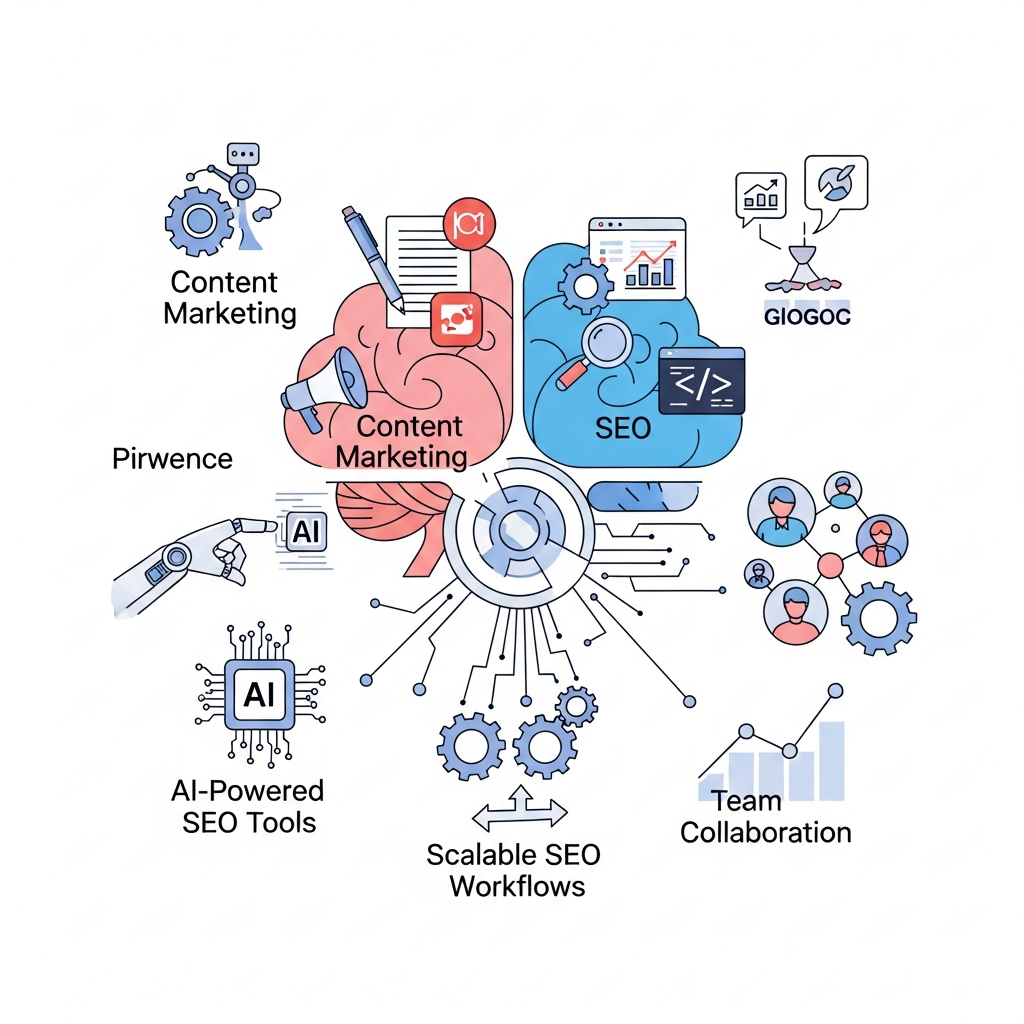
As a practical baseline, think of integration as three overlapping circles: content strategy, technical SEO, and CMS operations. The center of those circles is the content experience that users land on and search engines evaluate. When you pull these three domains together—via data-backed topics, on-page optimization, and automated publishing—you create a durable engine for growth. Below, you’ll find a blueprint built for in-house teams seeking scale.
A practical blueprint: data-backed keyword research and CMS workflows
The blueprint begins with a shared understanding of what success looks like. That means setting clear content goals (top-of-funnel awareness, mid-funnel consideration, and bottom-funnel conversions) and mapping them to SEO keywords, topic clusters, and content formats. From there, you can design a repeatable workflow that moves from data to draft to publish with minimal friction.
Step 1: Align objectives and audiences. Create a one-page brief for each major topic that links audience intent to keyword targets and content formats. Step 2: Build a topic map. Group keywords into clusters (pillar topics and supporting subtopics) to guide content calendars and internal linking. Step 3: Create data-backed briefs. Each planned article should include primary keyword, 2–4 secondary keywords, a suggested word count, recommended headings, and schema opportunities. Step 4: Standardize metadata and schema. Implement structured data for articles, breadcrumbs, and FAQ blocks to improve visibility in rich results. Step 5: Integrate with the CMS. Design templates that enforce metadata fields, internal linking standards, and on-page optimization checks within your CMS (WordPress, Webflow, Shopify, etc.). Step 6: Establish a publishing cadence. Use a content calendar that synchronizes with SEO sprints and product launches. Step 7: Close the loop with analytics. Tie content performance to SEO metrics so teams can iterate quickly.
In practice, the data-to-publish loop looks like this: start with keyword research, write a detailed brief, produce draft content guided by a style guide, apply on-page optimizations, publish with structured data, and monitor rankings and traffic. When combined with CMS automation, you reduce manual handoffs and ensure consistency across dozens or hundreds of pages. For a practical template and step-by-step calendar, see our Automated 30-day content calendar post.
Internal note: the blueprint should be treated as a living document. Regularly refresh keyword targets based on performance, seasonal trends, and product roadmaps. The result is a scalable system that keeps your content aligned with evolving search intent and business priorities.
Designing scalable workflows for in-house teams
Scalability hinges on process design, governance, and the right tooling. The core idea is to standardize how topics become briefs, how briefs become drafts, and how drafts become published pages with consistent quality controls. The following framework can help in-house teams scale content marketing and SEO integration.
Workflow design essentials:
- Define roles and checkpoints. Clearly delineate responsibilities for strategists, writers, editors, SEOs, and CMS managers. Each stage has gatekeepers to ensure quality and consistency.
- Adopt a templated brief system. A brief should include target keyword, intent, audience, outline, internal linking plan, and required schema blocks. Templates reduce interpretation errors and speed up production.
- Use a content calendar that links to SEO sprints. Tie publication dates to keyword milestones, promotional campaigns, and product launches to maximize impact.
- Automate repetitive tasks. Automate meta tag recommendations, internal linking suggestions, and basic schema insertions where possible. This frees editors to focus on quality and nuance.
- Implement error-proof publishing checklists. Before going live, verify metadata, schema, canonicalization, page speed, and accessibility checks are completed.
For teams that operate across multiple sites or languages, centralized dashboards provide governance and visibility. A single source of truth helps leaders compare performance across brands and geographies, accelerating decision-making without sacrificing quality. If you’re new to automation, start with a pilot project focused on a handful of pillar articles and scale up as you validate results.
Roles and responsibilities
In a scalable setup, you typically see four core roles: Content Strategist (identifies topics and opportunities), SEO Specialist (optimizes for search intent and technical factors), Editor (ensures quality and brand voice), and CMS/Operations Manager (handles publishing, taxonomies, and governance). Clear handoffs and documented SLAs prevent bottlenecks and miscommunications.
To keep teams aligned, publish a living workflow diagram and a monthly review meeting agenda. These rituals help ensure that new keyword opportunities are promptly reflected in the editorial calendar and that content quality remains high as production scales.
AI-assisted content generation with governance and quality control
AI can accelerate ideation, outline creation, and even first drafts, but it should sit inside a framework of editorial governance. The objective is to combine the speed and scale of AI with human judgment to preserve accuracy, tone, and brand integrity.
Best practices for AI-assisted content:
- Define guardrails. Establish tone, style guidelines, factual accuracy checks, and disclaimer checks for AI-generated sections.
- Use prompts that require context. Include audience intent, product relevance, and competing content signals in prompts to improve output quality.
- Enforce a human review. Always have a reviewer check facts, claims, and data points before publishing.
- Integrate QA checks into the workflow. Create a checklist covering keyword usage, header structure, image alt text, and schema validation.
- Track AI output quality. Monitor engagement metrics and user feedback to refine prompts and templates over time.
When AI outputs are well-governed, teams can produce more content in less time without compromising the reader experience. For teams exploring AI-assisted processes, a gradual rollout with strict QA gates helps preserve quality while demonstrating incremental value.
Useful resource: to explore practical approaches to governance and ROI in automated SEO dashboards, see our ROI governance dashboards post.
Measuring success: dashboards, ROI, and governance
Measurement is the backbone of a scalable in-house program. You should track both output metrics (volume, velocity, on-time publishing) and outcome metrics (traffic, rankings, conversions, and revenue impact). A governance framework helps leadership interpret results clearly and justify continued investment.
Key metrics to monitor include:
- Organic traffic growth and page-level performance
- Keyword ranking trajectories for pillar topics
- Time-to-publish and content cycle times
- Internal linking health and crawlability indicators
- On-page optimization completion rates and schema implementation
- Content ROI: incremental revenue or qualified leads attributed to content
ROI dashboards should be designed for decision-makers. Present visuals that show contribution by pillar topic, cross-channel effects, and performance by CMS region if you operate multi-site. To see an practical approach to building governance and ROI dashboards, check out our article on measuring ROI and governance in automated SEO dashboards that prove value.
ROI accounting in content marketing often involves multi-touch attribution. Treat SEO as a long-horizon investment, where early wins come from improved indexing and related visibility, and sustained value emerges as content compounds over time. Regular governance reviews help you course-correct, retire underperforming assets, and double down on high-ROI formats and topics.
CMS integrations and automation: connecting tools you already use
Most teams already rely on a CMS for publishing. The real value comes when SEO tooling, content calendars, and editorial workflows are embedded directly into that CMS. The result is faster publishing cycles, fewer transfers between tools, and a consistent content experience across all pages and sites.
Key integration patterns to consider:
- Metadata discipline. Ensure that every page has standardized meta titles, descriptions, canonical tags, and schema blocks populated automatically or via templates.
- Internal linking automation. Create rules that suggest or implement internal links based on topic clusters and user journey stages.
- Schema and structured data. Maintain consistent schema across articles, FAQs, and breadcrumbs to enhance search appearance.
- Automation of content briefs to publishing. Establish templates that transform a content brief into a publishable page with minimal manual edits.
- Localization workflows. For multi-region sites, incorporate language variants and hreflang consistency in the CMS.
Across teams, the most meaningful gains come from linking editorial calendars to publishing pipelines inside the CMS. For a practical guide to a scalable approach, see our Automated 30-day content calendar post. It walks you through turning a 30-day plan into published content at scale.
Regional and multilingual teams can also learn from localized automation examples. For a Brazilian Portuguese publication automation example, see Sao Paulo automatize publicação para ecommerce post.
Internal links for deeper reading: Automated 30-day content calendar, ROI governance dashboards, São Paulo automated publication for ecommerce
Implementation checklist and common pitfalls
To get started, use this practical checklist. It’s designed to prevent common missteps and accelerate time-to-value.
- Define a 90-day pilot with a clear scope (2–4 pillar pieces, 1–2 supporting articles per pillar).
- Publish a living content calendar that aligns with product launches and promotions.
- Implement templates for briefs, metadata, and schema to ensure consistency.
- Establish editorial SLAs and governance meetings to maintain velocity and quality.
- Set up dashboards that consolidate SEO performance, content output, and ROI metrics.
Common pitfalls to avoid include underestimating the importance of content briefs, over-relying on AI without editorial oversight, and failing to align publishing cadence with real business events. By building a governance layer and a scalable template library, you can mitigate these risks and sustain growth over time.
As you scale, continuously revisit your keyword strategy, content formats, and internal linking patterns. The goal is a self-improving system where data informs briefs, and editorial judgment maintains quality and brand voice across every page you publish.