Automated 30-Day Content Calendar: How to Jumpstart SEO at Scale
Introduction
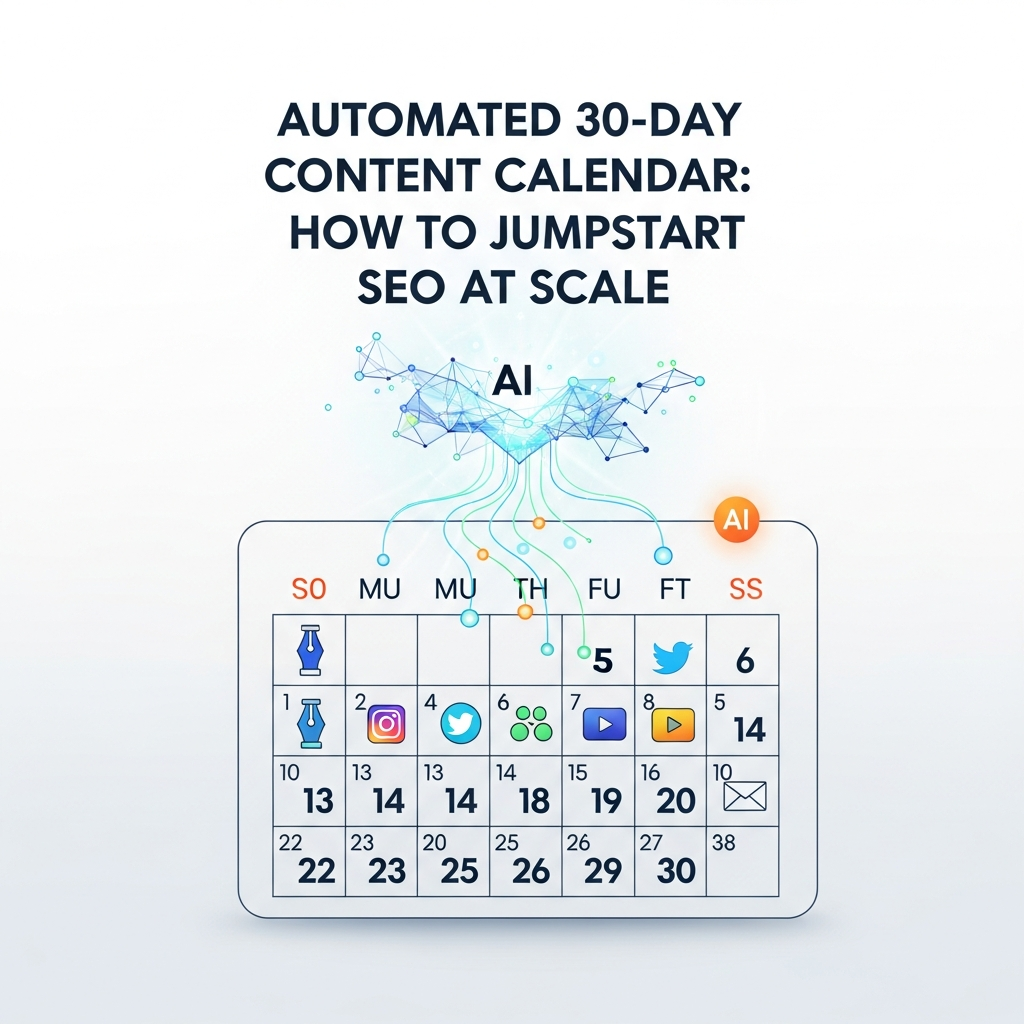
In a fast-moving digital landscape, teams often struggle to maintain a consistent stream of high-quality content that supports search engine visibility. An automated 30-day content calendar provides a repeatable framework to plan, generate, publish, and optimize content at scale. This approach blends human insight with AI-powered workflows to deliver disciplined, governance-driven content production. The goal is simple: align content with keyword opportunities, publish with reliability, and measure impact in near real time.
With a 30-day horizon, you can test hypotheses quickly, adjust based on early results, and demonstrate ROI to stakeholders. This article walks you through the why, the components, and the exact steps to implement an automated calendar that scales across teams, channels, and languages. It is written for agencies, in-house teams, and enterprise marketing leaders who need predictable, data-driven content machines.
Why a 30-Day Calendar for SEO at Scale
A 30-day calendar creates a cadence that aligns content creation with search demand cycles. It helps teams avoid ad-hoc content bursts and instead schedules topics around keyword opportunities, seasonality, and product launches. The benefits are concrete: faster time-to-publish, higher consistency in publishing, and clearer governance for editors and writers. When AI-assisted planning sits at the center, you gain speed without sacrificing quality.
Consider three core advantages. First, the calendar provides a single source of truth for topics, keywords, and publishing dates that multiple contributors can access. Second, it enables data-driven decisions by linking topic ideas to keyword insights and performance signals. Third, it supports scalable publishing across sites, languages, and CMSs with centralized controls and dashboards. For teams evaluating this approach, a 30-day window is large enough to show momentum but small enough to course-correct rapidly.
Core Components of an Automated Calendar
Building an automated 30-day content calendar requires several interlocking components. The following elements form the backbone of a scalable, AI-powered workflow.
- Topic and keyword mapping: A living map that links content themes to target keywords, search intent, and user questions.
- Content calendar generation: A templated process that translates topics into publication-ready briefs, outlines, and automation-ready briefs for writers and editors.
- Editorial workflow automation: A repeatable pipeline that assigns tasks, tracks status, and enforces quality checks before publishing.
- AI-assisted content creation and optimization: AI prompts that generate article skeletons, meta tags, internal links, and on-page SEO elements, followed by human review.
- Scheduling and publishing: A scheduling layer that integrates with your CMS (WordPress, Webflow, Shopify, etc.) and ensures posts go live on planned dates.
- Quality governance and localization: Brand voice controls, localization workflows, and localization QA for multi-language sites.
For practical guidance, consult our editorial workflow resources to harmonize AI output with human review. See Editorial workflow for agencies planning, writing, and publishing at scale for a detailed blueprint.
To maintain momentum, incorporate a strong linking strategy and content promotion plan. White-label and multi-site management capabilities help agencies consolidate tools and standardize processes across client sites. Learn more about editorial governance and workflows in our blog hub.
Internal resource: Editorial workflow for agencies planning, writing, and publishing at scale Editorial workflow for agencies planning, writing, and publishing at scale.
Step-by-Step: Building Your 30-Day Plan
Executing a 30-day plan is a repeatable process. The steps below outline a practical pathway from discovery to publish-ready content. Each step includes concrete outcomes and checklists to keep teams aligned.
Discovery and baseline
Begin with a baseline assessment of current content performance, keyword gaps, and audience intent. Map top landing pages to search queries, identify content gaps, and prepare a minimal viable calendar. Require clear success metrics—traffic growth, engagement, and conversion signals—to anchor the plan.
Checklist:
- Audit existing content for quality, relevance, and freshness
- Identify high-priority topics with likely conversion impact
- Define publishing cadence and resource requirements
Planning and topic selection
Generate a 30-day topic slate aligned to keyword insights for 30 days. Use input from SEO data, product calendars, and customer FAQs. Create a weighted mix of pillar content, supporting posts, and multimedia assets where appropriate.
Tip: pair evergreen pillar topics with time-sensitive angles to capture seasonal searches without sacrificing longevity.
Briefs and task assignment
Turn each topic into a publish-ready brief with target keyword, search intent, outline, internal-link plan, and on-page SEO notes. Assign writers, editors, and reviewers, and establish SLA timelines for drafts, reviews, and final approval.
Internal resource: Asimpletool blog hub offers templates and best practices for creating briefs and editorial workflows that scale Asimpletool blog hub.
Calendar templates and automation
Adopt a calendar template that captures topics, publish dates, owners, and performance goals. Use automation to push briefs into the writing queue, trigger reminders, and generate SEO metadata. The templates should be CMS-agnostic to accommodate WordPress, Webflow, and Shopify workflows.
Generating the Content Calendar with AI
AI plays a central role in generating, optimizing, and validating content ideas. The goal is not to replace human judgment but to augment it with scalable, data-backed prompts and workflows. Below are practical approaches to AI-assisted calendar generation.
Prompts and templates
Develop a library of prompts that translate topics into outlines, meta tags, and suggested internal links. Include guardrails for brand voice, tone, and reader intent. Store prompts in a central repository so teams can reuse and customize them for different brands or markets.
- Outline prompt: structure, sections, and key takeaways
- SEO metadata prompt: title, meta description, H1, and slug ideas
- Internal linking prompt: link opportunities to relevant posts
Quality controls
Implement quality gates that require human review before publishing. Use a two-pass model: first, AI generates draft content with SEO optimization; second, editors validate factual accuracy, brand alignment, and readability. For multilingual sites, route translations through localization QA at the same gate.
AI integration with CMS
Connect AI workflows to your CMS via API or native integrations. The goal is seamless publishing orchestration, not mismatched tooling. Ensure that the automation respects CMS limits, media handling, and publishing permissions.
Internal resource: Editorial workflow for agencies planning, writing, and publishing at scale includes practical examples of AI prompts and content automation patterns Editorial workflow for agencies planning, writing, and publishing at scale.
Publishing at Scale: Governance and QA
Publishing at scale requires governance that guards quality, brand voice, and compliance. Establish clear ownership for every piece of content, with an approval matrix that ensures legal, accessibility, and SEO standards are met. Automation should support, not override, these controls.
Key considerations:
- Standardized metadata across all posts
- Accessibility checks (WCAG) and mobile optimization
- Content localization workflows for geo-targeted pages
- Audit trails for approval and publishing events
For additional guidance on governance, visit our blog hub for more resources on scalable editorial management Asimpletool blog hub.
Measuring ROI and Success Metrics
ROI for an automated 30-day calendar hinges on clear KPIs and transparent dashboards. Track content performance, traffic, engagement, time-to-publish, and contribution to conversions. Use controlled experiments to validate hypotheses about topic strategies, publishing frequency, and the impact of AI-generated content on quality and speed.
Recommended metrics:
- Publish cadence adherence and SLA compliance
- Organic traffic growth and SERP improvements for target topics
- Keyword rankings and click-through rate (CTR) changes
- Average time to publish and editor workload distribution
- Content quality signals such as dwell time and bounce rate
Use a centralized analytics dashboard to view multi-site performance. If your organization operates across markets, ensure localization performance is included in the ROI calculation.
Pitfalls to Avoid and Best Practices
Automation can magnify both strengths and weaknesses. Avoid these common missteps to keep the calendar effective and sustainable.
- Relying solely on AI without human review leads to quality erosion
- Ignoring audience intent in favor of keyword density
- Overloading the calendar with too many experimental topics
- Inadequate CMS and localization support for multi-language sites
- Neglecting governance and SLAs in vendor relationships
Best practices include maintaining a living keyword map, implementing strict QA gates, and scheduling regular calendar reviews with stakeholders. For a regional publishing angle, see São Paulo automation for Brazilian e-commerce publishing guidance in our regional automation article São Paulo automation for Brazilian e-commerce publishing.
Real-World Examples and Lessons
Many teams have succeeded by tying the 30-day calendar to product launches, seasonal campaigns, and evergreen content pillars. A practical example is a retailer that mapped product-category pages to seasonal queries, created pillar posts to consolidate authority, and used AI-generated briefs to accelerate writer onboarding. The result was faster publish cycles, higher on-page optimization scores, and measurable lifts in organic revenue during peak season.
Another lesson is to maintain a healthy balance between top-of-funnel and bottom-of-funnel topics. A well-rounded calendar supports buyer journeys and provides a consistent stream of value to readers, which in turn fuels trust and authority in the domains you manage.
Implementation Checklist
Use this quick-start checklist to get your automated 30-day content calendar off the ground within weeks:
- Define success metrics and approval gates
- Assemble a cross-functional content team and assign owners
- Create a topic to keyword mapping aligned to business goals
- Develop a library of AI prompts for outlines, SEO metadata, and internal linking
- Set up a repeatable briefing and QA workflow
- Connect your content calendar to the CMS and publish scheduling system
- Establish a review cadence for monthly calendar optimization
- Monitor ROI and adjust the calendar dynamically
FAQ
Q: How long does it take to implement an automated 30-day content calendar?
A: Most teams reach a functional setup within 2–4 weeks, including templates, prompts, and initial publishing workflows. ROI visibility typically appears after a couple of publishing cycles as data accumulate.
Q: Can automation handle multilingual content?
A: Yes, with localization QA and a language-specific keyword map, automation can manage multi-language calendars and publish across geos.
Further resources and templates can be found on the Asimpletool blog hub Asimpletool blog hub. For policy and compliance considerations, refer to our disclaimer page Disclaimer.
If you want deeper technical guidance, explore related topics in our partner resources and explore how a 30-day content plan automation supports ongoing SEO goals. You can also read more about editorial workflow and how it intersects with automation in our recommended article linked above.