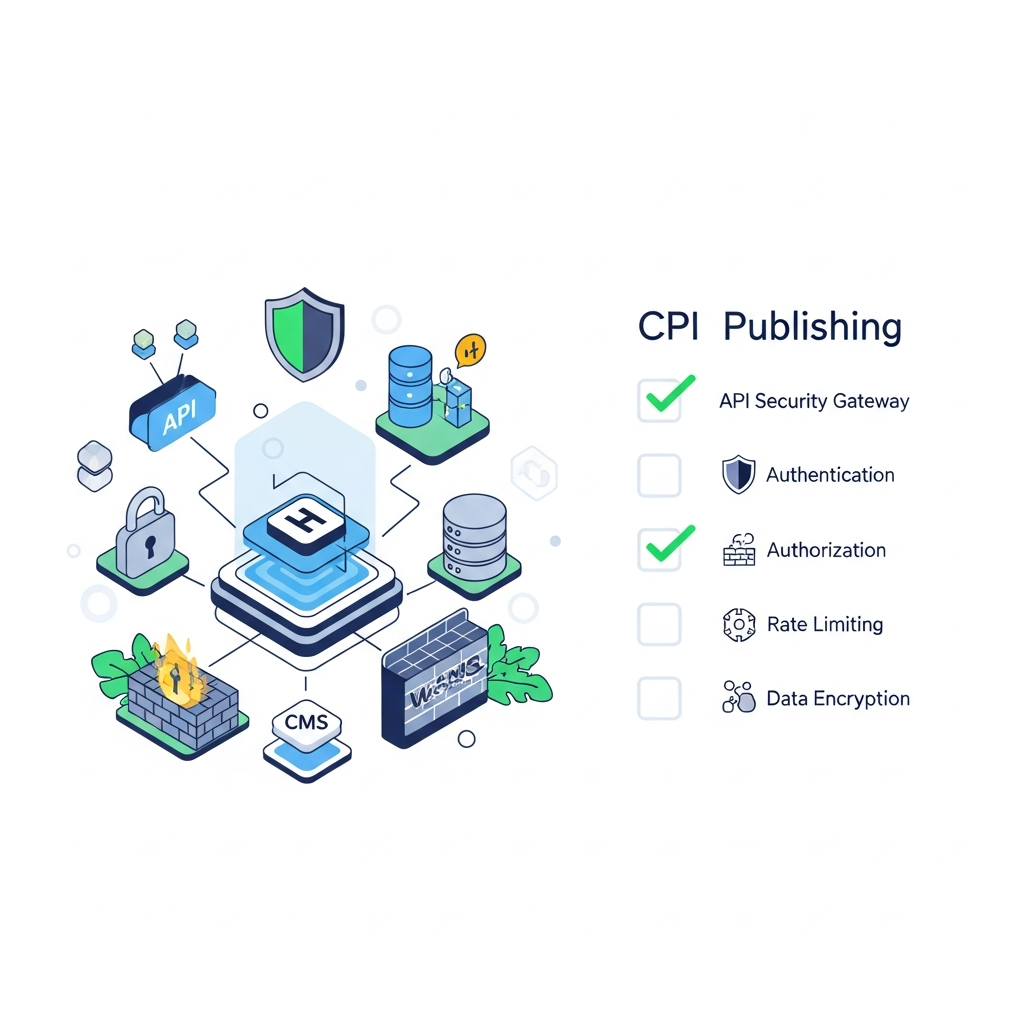
Secure API Publishing Checklist
Introduction
Automating content publishing via APIs can dramatically increase speed, consistency, and scale for CMS-driven workflows. However, enabling one-click or webhook-based publishing introduces a larger attack surface. This checklist focuses on concrete, practical steps that developers and operations teams can implement to publish securely to WordPress, Shopify, or other headless CMS platforms without relying on plugins.
The goal is a repeatable, auditable process that protects content integrity, preserves brand assurances, and reduces the risk of data leakage or unauthorized publication. Although many guides cover API basics, this article emphasizes security engineering patterns you can apply across common CMS targets and deployment environments. For broader editorial workflow considerations, you can refer to our editorial workflow resources in our editorial workflow for agencies planning, writing, and publishing at scale guide, or explore our blog for related topics.
Understanding the threat model
Before you configure security controls, outline the typical threats that affect API-based publishing. Common risks include credential leakage, replayed or tampered requests, misconfigured access, and compromised downstream CMS accounts. attackers may attempt to automatically publish malicious content, alter existing data, or exfiltrate content via exposed endpoints.
A practical approach defines where data travels, who can request actions, and how those actions are validated. Build a defense-in-depth strategy that layers authentication, authorization, transport security, input validation, and monitoring. If you’re looking for a broader perspective on automation security, consider our care-abouts in the disclaimer page for operational boundaries.
Identity, authentication, and access management
Strong identity where API clients prove who they are is the first line of defense. Use a combination of short-lived credentials and robust authentication mechanisms. Prefer OAuth 2.0 or mutual TLS (mTLS) for machine-to-machine communication, combined with API keys stored in a secure vault.
Key practices include rotating credentials regularly, constraining credentials to minimal scopes, and isolating environments (dev/staging vs production). Never embed long-lived secrets in client code or configuration files. For teams new to this, a practical starting point is leveraging an external secrets manager and enforcing automatic rotation schedules.
To learn more about how teams structure authentication in automated publishing pipelines, see our overview on secure API publishing patterns and the role of API gateways in authentication workflows. If you’re evaluating workflows, our editorial workflow for agencies provides a reference for separating content-creation roles from publishing controls.
Transport security and data integrity
All API interactions must occur over encrypted channels. Use TLS 1.2 or higher, and prefer TLS 1.3 for performance and security benefits. Enforce strict transport security (HSTS) to prevent protocol downgrades, and consider enabling mTLS between internal services to authenticate both ends of every connection.
Protect data integrity with message signing or payload hashing where appropriate. Consider using deterministic signatures for webhook validation and ensuring that content payloads cannot be altered in transit without detection. If you are integrating with WordPress via API, ensure that the communication path from your publishing service to WordPress is secured end-to-end and audited.
Webhook security for content deployment
Webhooks unlock near-instant publishing, but they also demand strict signing and verification. Sign webhook payloads with a shared secret or private key and verify signatures on every receipt. Include timestamps to mitigate replay attacks and reject requests that fall outside an acceptable time window.
Additionally, validate the payload schema strictly and reject unknown fields to reduce the risk of injection or misinterpretation. Use a unique, per-endpoint secret and rotate it periodically. For teams delivering content to multiple CMSs, enforce endpoint-specific secrets and maintain separate signing keys per environment.
Secrets management and rotation
Never store secrets in code or config files that travel with deployments. Centralize secrets in a dedicated vault or cloud KMS, with access policies that enforce least privilege. Rotate credentials on a defined cadence and after any suspected breach. Automate rotation where possible and enforce versioning so old credentials are never accepted.
Adopt environment separation so development and staging secrets cannot be used to access production systems. When integrating with CMS APIs, ensure that the credentials used for publishing are scoped to the appropriate content types and CMS instances. If you want a broader perspective on automating content publishing security, our technical guides cover these topics extensively.
Logging, monitoring, and incident response
Collect centralized logs from all publishing components—clients, gateways, webhook listeners, and CMS backends. Use structured logging with consistent fields (timestamp, request_id, client_id, action, content_id, status). Monitor for anomalies like sudden spikes in publish failures, unexpected content changes, or unusual IP activity. Set up alerting that triggers incident response playbooks rather than noisy warnings.
Implement traceable publishing flows so you can reconstruct a complete history of what was published, when, and by which actor. Regularly test incident response runbooks and run tabletop exercises to maintain readiness. For a practical start, pair this with a lightweight dashboard that shows real-time publish health across CMS targets.
Testing, CI/CD, and deployment
Adopt a staged deployment model for API publishing—development, staging, then production. Run automated tests that validate authentication, authorization, input validation, and webhook signature checks. Use synthetic content in test environments to verify end-to-end publishing without affecting live data.
Include canary releases and feature flags so you can roll back if problems arise. Maintain separate API credentials for each environment and ensure test data never leaks into production publishing workflows. If you’re transitioning from manual processes, reference our workflow guides for scalable, secure publishing in agency and enterprise settings.
Architecture patterns for secure auto publishing
Two common patterns minimize risk when publishing content via APIs. Pattern A uses a lightweight publish service that talks to the CMS via a dedicated REST/GraphQL endpoint with strict scope and signed requests. Pattern B relies on an API gateway hops with rate limiting, signing, and policy enforcement before requests reach the CMS. Both patterns favor minimal trust assumptions and strong, auditable control planes.
When choosing between WordPress, Shopify, or a headless CMS, consider how you want to manage content models, validation, and routing. For instance, a headless CMS often offers clearer content-type schemas and easier programmatic validation, while traditional CMS options may require stricter workshop on plugin-free approaches. For a practical, hands-on perspective, you can explore our ongoing work on editorial automation in the editorial workflow resource and compare it with our general CMS automation guidance in the blog.
Practical 40-point checklist for secure API publishing
Use this as a runbook for securing API-based publishing across CMS targets. Start with the essentials and layer additional controls as you scale.
- Define a threat model for your publishing pipeline and document data flows.
- Choose a strong authentication mechanism (OAuth 2.0 or mTLS) for all API clients.
- Implement per-endpoint scopes and token lifetimes that align with job roles.
- Store all secrets in a centralized vault with automatic rotation enabled.
- Separate production and non-production credentials; never reuse tokens across environments.
- Employ API gateways with rate limiting, IP allowlisting, and input validation.
- Enable strict transport security (TLS) and consider mTLS for internal service calls.
- Sign and verify webhook payloads; reject expired or replayed requests.
- Validate payload schemas against a strict contract before processing.
- Validate and sanitize all input to prevent content injection and XSS vectors.
- Use content hashing or signing to ensure integrity of content as it moves through the pipeline.
- Implement granular access controls and least-privilege policies for all services.
- Audit all changes to credentials, roles, and permissions with immutable logs.
- Enforce environment separation and separate secrets per environment.
- Maintain a robust incident response plan with defined runbooks and contact points.
- Automate deployment of security updates and token revocation when needed.
- Test failure scenarios regularly, including failed authentication and invalid payloads.
- Document all API endpoints and publish contracts to a centralized repository.
- Implement end-to-end tracing to track publish actions from source to CMS.
- Establish a change-management process for publishing workflow configuration.
- Integrate real-time monitoring dashboards for publish health and error rates.
- Perform regular security reviews and penetration tests of the publishing API surface.
- Review audit logs weekly to detect unusual patterns or anomalies.
- Set up automated alerts for credential rotations and secret expirations.
- Use a test harness that mimics live CMS responses and validates webhook behavior.
- Ensure CMS routes are protected against common web exploits (SQLi, XSS, etc.).
- Limit the number of endpoints that can trigger automated publishing to trusted paths only.
- Document your vendor and platform security posture for stakeholders.
- Include a simple rollback mechanism for published content in production.
- Audit third-party integrations for security posture before enabling them.
- Regularly review signing keys and certificate authorities in use.
- Establish a disaster-recovery plan that preserves published content integrity.
- Enable versioning for content assets and maintain a changelog of published items.
- Run quarterly reviews of your security controls and adjust as needed.
- Provide clear developer guidance on how to onboard new API clients securely.
- Ensure your internal references to CMS APIs remain up to date.
- Validate that automated tests cover both success and failure publishing paths.
- Capture feedback from operators to improve the publishing workflow.
- Prepare a transparent, consumer-friendly privacy and security statement for clients.
Vendor and tooling considerations
When evaluating tooling for secure API publishing, look for a platform that supports plugin-free CMS integrations, robust secrets management, white-label options, and clear data-privacy assurances. Prioritize solutions that provide end-to-end security features, including webhook signing, token rotation, and auditable logging. For many teams, a unified automation platform reduces the need to juggle multiple tools, which often introduces configuration drift and security gaps.
Remember to align tooling with your existing security controls and IAM policies. If you’re assessing options for agency-scale publishing or multi-brand deployments, consider features like role-based dashboards, multi-tenant isolation, and reliable audit trails. For practical examples and in-depth comparisons, check out our agency-focused resources and related posts on our blog and reference sections.