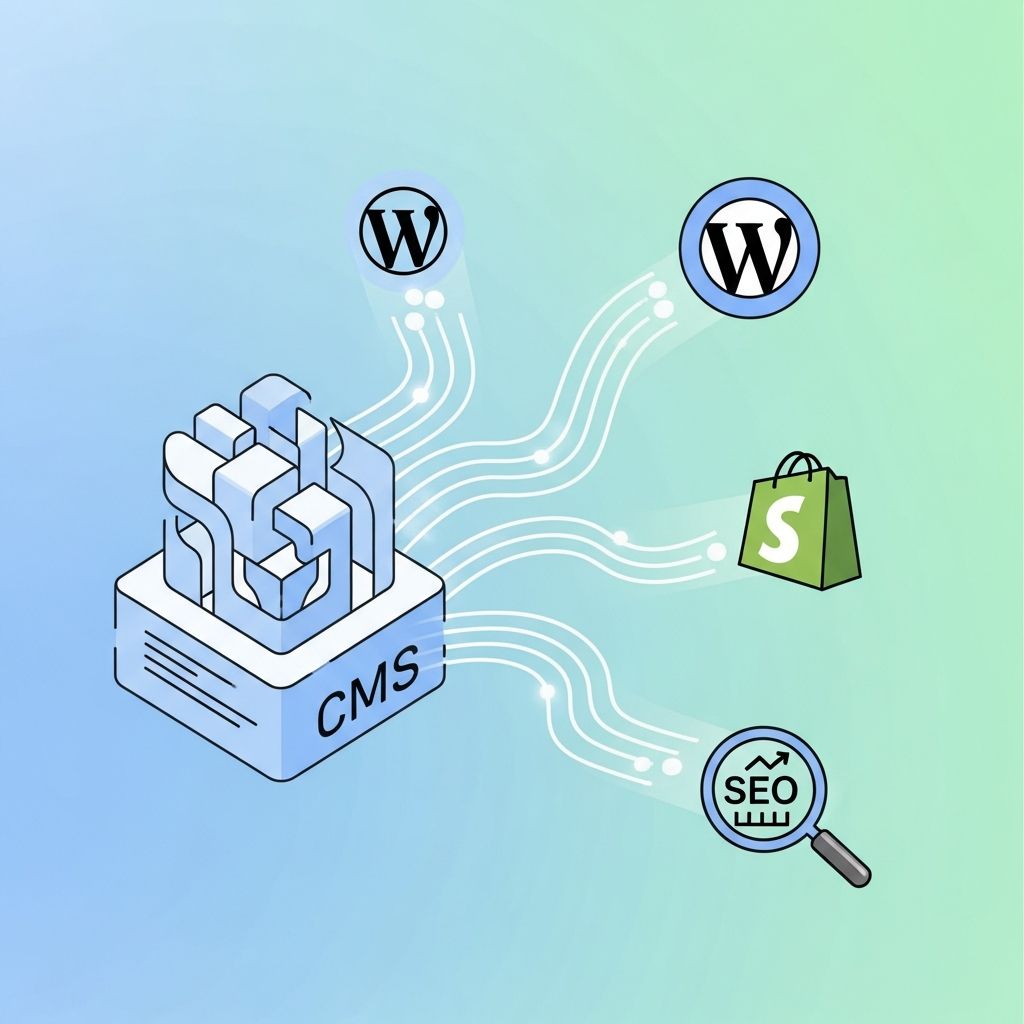
CMS Integrations for Automated SEO: Auto-Publish Across WordPress, Shopify, and Webflow
The value of CMS integrations for automated SEO
Automated SEO hinges on disciplined workflow and reliable integration. When you connect a content management system (CMS) like WordPress, Shopify, or Webflow with an AI-powered SEO tool, you unlock scalable publishing, consistent page-level optimization, and centralized governance. This approach helps marketing teams move from reactive content production to proactive, data-driven experimentation at scale.
Key benefits include faster time-to-publish, consistent SEO meta tagging, standardized content briefs, and automated recommendations for on-page optimization. As organizations grow, centralization becomes essential: a single automation layer can coordinate content calendars, keyword plans, internal linking, and performance dashboards across multiple sites and markets.
In practice, these integrations enable teams to turn high‑level SEO strategy into repeatable workflows. They also provide guardrails—quality checks, review stages, and rollback mechanisms—that protect brand voice and compliance while still delivering rapid published content at scale.
How AI-powered automation fits into your CMS stack
At a high level, a CMS integration for automated SEO consists of four layers: data inputs, the AI/content-generation layer, optimization rules, and the delivery/publishing layer. Data inputs include the target keyword plans, topic briefs, and performance signals from analytics. The AI layer generates draft content or outlines, then SEO rules automatically refine on-page elements like meta titles, meta descriptions, heading structures, and image alt text. Finally, the publishing layer integrates with the CMS via API or plugin to push the content live according to a predefined schedule or content calendar.
When done well, these layers operate with strong feedback loops. Performance data from Google Analytics or Search Console informs future prompts and optimization rules. Governance features—role-based access, change logs, and approval workflows—ensure accountability across teams and regions.
For multi-site programs, central dashboards provide a single source of truth for content calendars, keyword targets, and publishing status. This is especially valuable for agencies and enterprises managing dozens of sites and multiple languages.
WordPress automation for SEO
Plugins vs API-based integration
WordPress remains the most common CMS for automated SEO workflows. You can leverage traditional SEO plugins to manage metadata and structured data, but API-based integrations unlock deeper automation. An API-first approach allows the AI tool to fetch keyword briefs, generate drafts, optimize content, and push updates directly into WordPress posts, pages, and custom post types. This reduces manual handoffs and keeps a consistent optimization standard across editors.
If you prefer plugins, pair a capable AI content generator with a metadata manager and schema plug‑in. Ensure plugins support programmatic updates and have secure API access to prevent unauthorized content changes.
Practical WordPress setup steps
Begin with a minimal, well-governed configuration. Create a dedicated user role for the automation tool with scoped permissions. Establish a content brief template that maps target keywords to headings, topics, and intent. Set up post-publishing hooks so drafts pass through a QA stage before going live. Finally, implement automated checks for SEO metadata consistency, canonical tags, and image alt text alignment with each post.
Shopify automation: ecommerce SEO considerations
Product pages, collections, and structured data
Shopify requires careful handling of product pages, collections, and rich snippets. Automations should tailor titles, descriptions, and structured data to each product without duplicating content. Consider automating JSON-LD markup for product pages and ensuring canonicalization across variants. Automated SEO can help generate SEO-friendly product descriptions and category pages while preserving human-authored guidelines for brand voice.
Shopify’s app ecosystem provides several automation-enabled workflows, but API-based integrations often offer tighter control for multi-site or global campaigns. When possible, run auto-generated content through a human QA step before publishing price and inventory related changes to avoid mismatch with live store data.
Automation patterns for Shopify
Typical patterns include: (1) headline- and keyword-driven product page briefs, (2) automated meta tags per product, (3) scalable blog post publishing to support seasonal campaigns, and (4) automated interlinking between product pages and content assets. For large catalogs, automation should respect crawl priorities and avoid creating thin content across hundreds of pages.
Webflow: publishing content at scale
Webflow CMS API and publishing considerations
Webflow offers a strong visual authoring experience with a robust CMS API. Automation here benefits from tight integration with design systems and component-based content blocks. The API enables programmatic content creation, updates, and scheduling, while respecting Webflow’s content models and CMS collections. One challenge is ensuring that generated content aligns with dynamic page templates and design constraints, which makes a review stage valuable for maintaining brand consistency.
Webflow shines in teams where design and content creation operate in parallel. Automation can feed briefs to writers or AI editors, then push approved content into Webflow collections with proper taxonomy and tags. Image handling, alt attributes, and responsive metadata should be validated before publication to preserve accessibility and performance.
A practical setup blueprint
Step-by-step from concept to auto-publish
- Define the governance model: assign roles, approvals, and a publishing window. Establish review checkpoints and a rollback plan if content quality dips.
- Map the content lifecycle: brief creation, drafting with AI, SEO optimization, editor review, and publication. Include localization steps for multilingual sites.
- Choose integration patterns: API-based deep integrations for WordPress and Webflow, with Shopify optimized for product and collection pages. Decide on a scheduling strategy (immediate vs. daily batches).
- Configure SEO rules: automated meta tags, structured data, canonical URLs, internal linking guidance, and image optimization. Ensure consistency with brand guidelines.
- Implement QA and monitoring: set up automated quality checks for factual accuracy, tone, and keyword usage. Establish alerts for publishing failures or content anomalies.
- Launch with a pilot: start with a subset of pages across one WordPress site, one Shopify category, and one Webflow collection to validate pipelines before scale.
Security, governance, and data privacy
Access control and auditability
Automation platforms should provide granular access controls, role-based permissions, and full-change logs. Strong audit trails are essential for compliance and for diagnosing issues when content goes live across multiple domains.
Data privacy considerations include encryption in transit and at rest, vendor privacy agreements, and data residency options if you operate across regions. For enterprise and agency deployments, SOC 2‑type controls and proper vendor risk assessments help assure executive stakeholders.
Measuring success and ongoing optimization
Key metrics to track
Track publishing velocity, content quality scores, keyword rankings, page impressions, and organic traffic growth. Monitor on-page engagement metrics and conversion signals to ensure that automated content supports business goals. Regularly review the efficiency gains: time saved, cost per article, and the incremental traffic attributable to automation.
Adopt a learning loop: use performance data to refine AI prompts, adjust SEO rules, and update content calendars. A/B testing of title variants, meta descriptions, and content lengths can reveal optimal patterns for different CMS platforms.
Continuous improvement and experiments
Establish quarterly experiments to test new prompts, improved internal linking strategies, and enhanced schema implementations. Align experiments with seasonal campaigns and product launches to maximize impact. Document findings so future teams can replicate wins and avoid repeated missteps.
Related reading and deep dives
For deeper dives into editorial workflows and automation patterns, consider these resources:
- Editorial workflow for agencies planning, writing, and publishing at scale
- São Paulo: automatize publicação para ecommerce brasileiro
- Schema validator tool
Final notes and practical takeaways
CMS integrations for automated SEO are about combining disciplined governance with intelligent automation. Start small, prove ROI with a pilot, and scale thoughtfully across platforms. Focus on a clean data model, reliable publishing mechanisms, and robust quality controls to preserve your brand voice while accelerating content velocity.