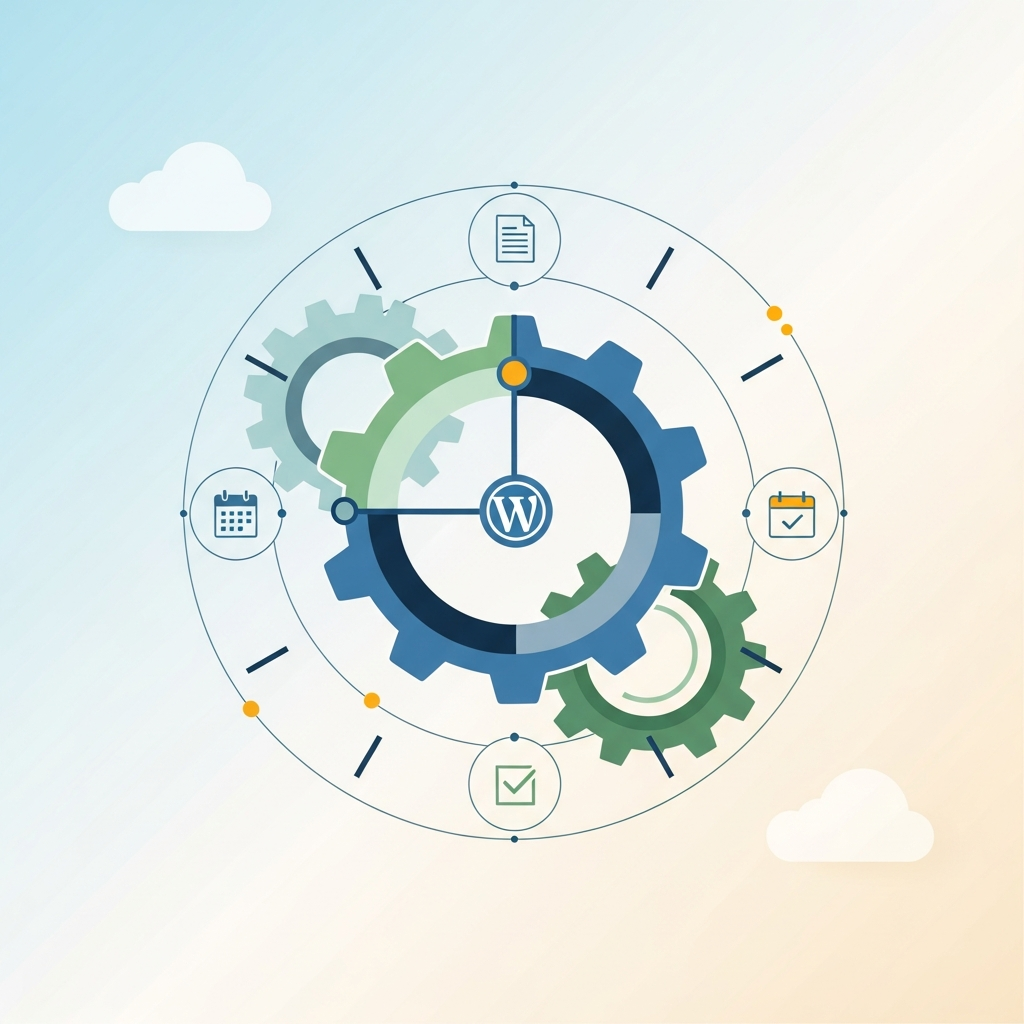
PublishDaily: Automate CMS Scheduling
1. Why auto-publish to CMS
For many teams, publishing content is a bottleneck. Manual uploads, plugin dependencies, and inconsistent schedules lead to missed opportunities and uneven reader experiences. Auto-publishing to a CMS eliminates repetitive steps, reduces human error, and ensures a consistent cadence that fuels traffic and engagement.
When you automate publishing, you unlock predictable content calendars, faster time-to-publication, and better alignment with campaigns, product launches, and editorial calendars. The result is a daily content pipeline that feeds SEO, social, email, and on-site experiences without manual intervention.
Key benefits include improved reliability of live posts, easier global publishing with multilingual support, and centralized governance across multiple brands or sites. If you manage a WordPress, Shopify, or a custom CMS stack, a standardized auto-publish flow helps you scale while preserving quality and brand voice.
2. How a daily content pipeline works
A daily content pipeline is a closed loop that takes content from creation or import, validates it, transforms it for the target CMS, and publishes it on a schedule. The pipeline also handles retries, error reporting, and post-publish tasks such as internal linking and SEO metadata injection.
At a high level, the daily pipeline looks like this: content feed or creator input → validation and enrichment → transformation to CMS format → publishing via API or CMS connector → post-publish checks → analytics and reporting. Each stage has guardrails to catch issues before they affect live sites.
Practical cadence ideas include publishing fresh posts every morning, updating evergreen content quarterly, and scheduling product or category pages to align with promotions. A well-tuned cadence aligns with traffic patterns, audience behavior, and the release calendar of your team.
3. Core architecture options
There are several ways to structure an auto-publish system. The best choice depends on your tech stack, security posture, and the scale of content you manage. Below are common patterns that teams adopt successfully.
- CMS-first API publishing: A lightweight service monitors content sources and uses the CMS REST or GraphQL API to push posts directly. This is fast to implement for single-site scenarios and scales with webhooks from your content tools.
- Middleware orchestration: A dedicated orchestration layer (e.g., a workflow engine) coordinates multiple sources, applies governance rules, and publishes via CMS connectors. Useful for multi-brand or multi-site setups requiring uniform standards.
- Serverless publish pipelines: Functions-as-a-Service (FaaS) react to events, transform content, and publish. This approach minimizes ops while offering elastic scaling for bursts of publication.
- Full-stack automation platform: An integrated platform handles content generation, SEO enrichment, internal linking, and CMS publishing in one interface. Ideal when you want end-to-end control with white-labeling and dashboards for agencies or large teams.
Trade-offs to consider include complexity, latency, and the need for governance versus speed. For WordPress users, relying on native REST API calls with well-defined schemas often yields the best balance of control and speed. For Shopify, you’ll typically publish to product or blog endpoints with storefront constraints. If you operate a custom CMS, you’ll likely lean on your existing API contracts and webhook capabilities to integrate a publishing workflow.
4. Step-by-step: building your workflow
4.1 Step 1 — Define your cadence
Start with a practical cadence aligned to business goals. Consider daily posts for news or product updates, lighter schedules for evergreen blogs, and targeted bursts timed to campaigns. Document the maximum lead time from creation to publish and set expectations with stakeholders.
4.2 Step 2 — Source content and triggers
Identify where content originates. It might be an editorial system, a content API, a CMS draft folder, or external sources like a content generator or author submissions. Choose reliable triggers such as webhooks, RSS feeds, or content state changes (ready-to-publish). Your triggers should guarantee only approved content enters the pipeline.
4.3 Step 3 — Validation and enrichment
Validation gates should cover content completeness, plagiarism checks, image availability, SEO metadata, and schema requirements. Enrichment can include keyword tagging, canonical URL assignment, and internal linking hints. This step protects quality before any publish action occurs.
4.4 Step 4 — Transformation for the target CMS
Transform content into the CMS-friendly structure. This includes mapping fields, formatting headlines, handling rich media, and generating SEO-friendly meta titles and descriptions. Consider CMS-specific quirks: WordPress blocks, Shopify blog templates, or custom page schemas. Transformation should be deterministic and auditable.
4.5 Step 5 — Publish with reliability and retry
Publish via secure API calls or CMS connectors. Implement retries with exponential backoff and a clear failure path. When a publish fails, route the content to a fallback queue for human review and restore it when fixed. Include timestamped logs for visibility and troubleshooting.
4.6 Step 6 — Post-publish orchestration
After publishing, perform post-publish tasks: internal linking, canonical tag checks, and schema injection. If your strategy includes social promotion or email previews, trigger those channels from the same workflow to ensure consistency across surfaces.
5. Integrations: WordPress, Shopify, and custom CMS
Integration choices shape the friction and speed of your auto-publish initiative. Below are practical approaches for common CMS platforms.
WordPress — Use the REST API to create posts, update metadata, and assign categories. For large blogs, batch publish via asynchronous jobs to prevent timeouts. Implement nonce-based authentication and OAuth for security. Ensure your pipelines inject SEO meta tags and structured data automatically.
Shopify — While Shopify focuses on product content, you can reuse the same pipeline to publish blog posts or product descriptions via the Storefront/API. Pay attention to rate limits and ensure media assets are ready for storefront delivery.
Custom CMS — Leverage your CMS’s GraphQL or REST endpoints and define a stable schema. Maintain versioned API contracts so changes in content models don’t break your pipeline. This approach shines when you need precise control over fields, validation, and deployment sequencing.
Regardless of the CMS, the goal is a repeatable, testable flow with strong error handling and clear ownership. Automation shines when it’s paired with good governance, including access controls, auditing, and rollback capabilities.
6. Metadata, SEO, and governance
Automation should never sacrifice discoverability. Inject metadata, alt text for images, canonical URLs, and structured data as part of your post-publish enrichment. Maintain a centralized repository of templates for meta titles, descriptions, and schema to ensure consistency across posts and brands.
Define governance policies: who can trigger publishes, what constitutes approved content, and how multilingual translations flow through the pipeline. For multi-brand setups, implement brand-specific templates and validation rules to preserve voice and compliance.
SEO considerations matter at scale. Ensure each post includes target keywords, proper heading structure, internal linking suggestions, and canonicalization rules. Real-time checks can flag issues such as duplicate titles, missing meta descriptions, or broken links before they go live.
7. Security, reliability, and rollback
Security starts with least-privilege access. Use API keys with scoped permissions, rotate credentials regularly, and monitor for unusual publish activity. Implement secrets management and encrypted storage for credentials. Audit trails help you understand who triggered what and when.
Reliability hinges on observability. Instrument your pipeline with metrics for latency, success rate, and failure reasons. Establish alert thresholds and runbooks for common failure modes. A tested rollback plan—safely reverting a publish or restoring a previous version—reduces the risk of live errors affecting readers.
Backups and content versioning are critical. Maintain a content delta log so you can reconstruct a post’s evolution, correct mistakes, and revert to prior states if needed.
8. Operational playbook: monitoring, alerts, and dashboards
Operational excellence comes from what you routinely measure. Build dashboards that show daily publish counts, success/failure rates, average publish latency, and post-publish engagement metrics. Include dashboards for error escalation, content queue status, and a health signal for each connected CMS.
Establish playbooks for common scenarios: delayed publish due to API rate limits, content with missing metadata, or failed media assets. Run tabletop exercises to validate response times and decision-making during peak publishing periods.
9. Pitfalls and anti-patterns
Skipping governance can turn automation into a chaos engine. Common pitfalls include over-automating without validation, ignoring multilingual workflows, and failing to monitor content quality after publish. Another trap is coupling too tightly to a single CMS, which makes migrations painful later on.
Avoid brittle authentication flows and hard-coded credentials. Design for changes in CMS APIs and keep a clear path to manual override when needed. Document every rule and exception to ease onboarding for new team members or agencies.
10. Real-world scenarios
Scenario A: A mid-size SaaS company publishes daily product updates. The team uses a WordPress blog and a custom product release page. The pipeline validates product update content, injects relevant schema, and publishes to the blog automatically at 9:00 AM local time while pushing a teaser to social channels.
Scenario B: An ecommerce brand expands to five locales. The pipeline handles multilingual content, routes translations through QA, and publishes to a Shopify blog in each locale with locale-aware URLs and canonical tags, ensuring consistent internal linking across regions.
Scenario C: A media publisher runs an editorial calendar with high-volume posts. The system schedules posts, performsSEO audits, and uses a white-label reporting dashboard for clients, with internal links and structured data injected automatically for every article.
11. Measuring success
Key metrics to watch include time-to-publish, publish reliability, and content velocity (posts per day/week). Track on-site impact through organic traffic, time-on-page, and scroll depth for auto-published content. Compare pre- and post-automation performance to demonstrate ROI.
Quality metrics matter too. Monitor editorial quality signals such as meta-tag completeness, schema validity, image ALT coverage, and internal-link density. A healthy automation system improves not just publish speed but also search visibility over time.
12. Getting started: 30-day roadmap
- Define goals and select CMS targets. Map content sources, approval processes, and publishing cadences.
- Choose your integration pattern (API publishing or middleware workflow).
- Prototype a minimal viable pipeline for one site or brand, including basic validation and a single CMS publish endpoint.
- Expand to additional brands, add multilingual support, and introduce SEO templates.
- Introduce governance, security layers, and rollback procedures.
- Build dashboards and reporting for stakeholders and clients if you operate as an agency.
13. Conclusion
Auto-publishing to a CMS is not a magic switch; it is a disciplined, well-governed workflow that combines reliable automation with editorial standards. When designed thoughtfully, a daily publishing pipeline preserves brand voice, scales content production, and accelerates time-to-publish—without sacrificing quality or governance. By choosing the right architecture, integrating with your CMS, and enforcing strong validation and security, you can turn publishing into a predictable, measurable engine for growth.
For further reading and examples on editorial workflows and scalable publishing, you may explore editorial workflow for agencies and browse our blogs hub for more insights. If you want to understand the guidelines around disclosure and policies, review our disclaimer page.
Ready to start building your auto-publish workflow? Begin with a clear checklist, validate each gate, and design your architecture for scale. As you grow, you can expand to multi-brand cadences, multilingual publishing, and cross-channel distribution to maximize impact with minimal manual effort.