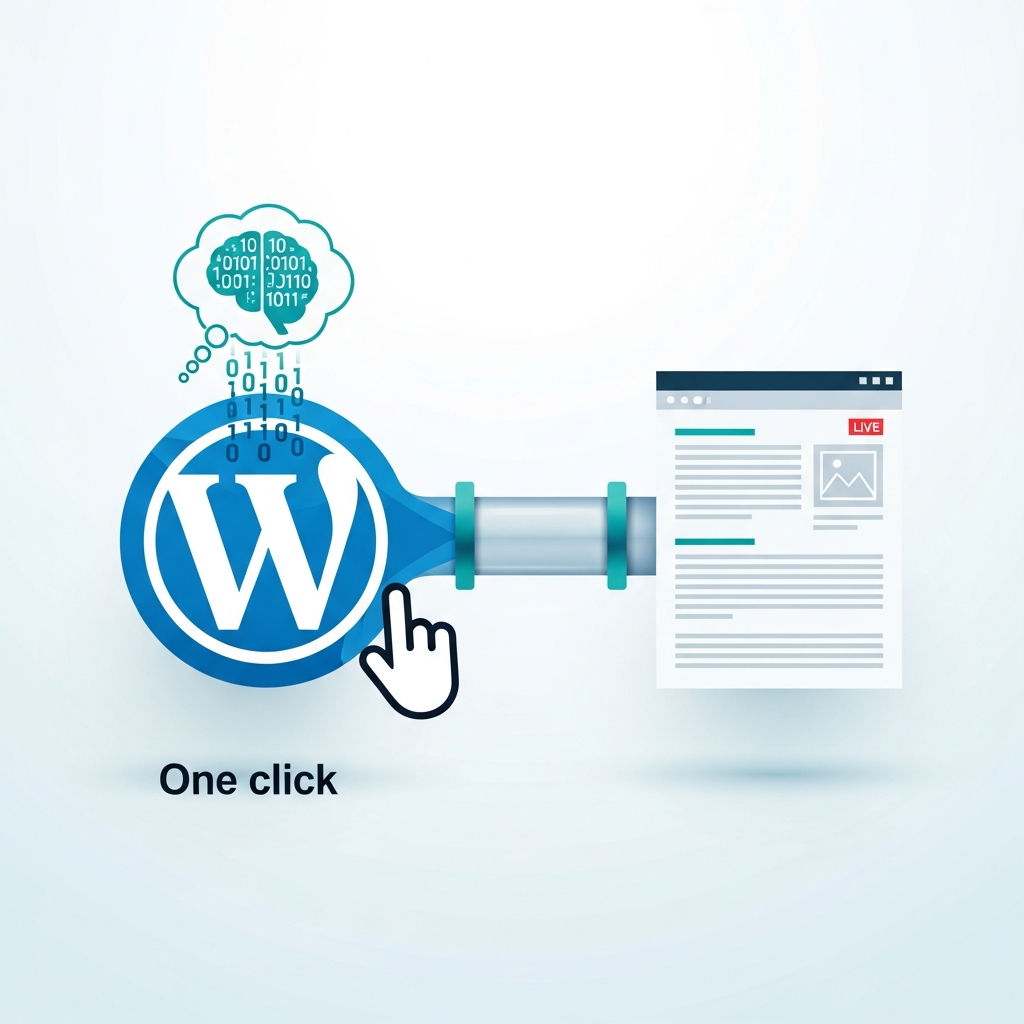
One-Click WordPress Delivery: Push AI-Written Articles Live
Introduction
In fast-moving content operations, AI drafts are only the first mile. This guide explains how to publish AI-written articles directly to WordPress with a single click, reducing manual uploads and accelerating time-to-publish. The approach combines AI content creation with a CMS-native publishing flow to create a repeatable, auditable process that scales with your needs.
The one-click approach isn’t magic; it requires a carefully designed pipeline that handles generation, QA, metadata, and governance. When done well, you get faster publishing, consistent brand voice, and better content governance across multiple sites and languages.
Why this matters
For agencies and brands with high-volume publishing needs, manual uploads create bottlenecks and inconsistency. A streamlined delivery pipeline removes friction, supports brand consistency, and improves governance. The payoff combines speed with control: you publish more often, while maintaining quality and compliance across channels.
At scale, the benefits compound: faster iteration on topics, more reliable internal linking, and cleaner metadata across posts. This is especially valuable for MOFU/BOFU content, where timely, relevant AI-generated articles can accelerate the buyer journey when published with proper QA and optimization.
To see practical examples of editorial automation in action, explore our broader resources and case studies linked below. For related workflows that complement this approach, see our Editorial workflow for agencies and the overview of our Blogs section.
Architectural options
There are two common architectures for AI-to-WordPress publishing: a direct integration with the WordPress REST API, and an orchestration layer that coordinates AI generation, QA, and CMS publishing. Each pattern has trade-offs around speed, governance, and flexibility.
Direct AI-to-CMS with WordPress REST API
Pros: fastest path to publish; fewer moving parts. Cons: requires strong authentication governance and careful handling of permissions. Typical steps include generating content, validating length and structure, and publishing via a REST API call using a service account with minimal rights.
Best-practice steps: isolate credentials with scoped roles, implement token rotation, and log every publish event with content version. This pattern works well for smaller teams or when you need ultra-fast publishing for specific topics.
Automation-layer approach
Pros: centralized governance, full audit trails, easier to swap AI providers, and clearer branching for multilingual or multi-brand setups. Cons: slightly more complex to configure and monitor. Typical setup includes a workflow engine, event-driven triggers, and CMS connectors. You can extend it to publish across multiple sites or languages with consistent metadata and internal linking rules.
Best-practice steps: define a publish-ready event, run automated QA checks, attach SEO metadata, and publish through a controlled connector to WordPress. Keep a staging workflow and rollback plan in case of unexpected issues.
Step-by-step setup
- Define content model and metadata: titles, summaries, tags, canonical URLs, image alt text, and schema. Map fields to WordPress post attributes and custom fields if needed.
- Choose AI writer capabilities: long-form generation, outlines, tone control, and multilingual support. Ensure the model can adhere to your brand voice and policy requirements.
- Set up WordPress access: create a dedicated user with publish rights; implement application passwords or OAuth tokens; enforce least-privilege access and rotate credentials regularly.
- Establish a publishing trigger: from the AI tool or an orchestration layer, mark drafts as publish-ready only after passing automated checks.
- Configure QA checks: grammar, fact-checking, originality scans, readability metrics, and policy compliance aligned to brand guidelines.
- Enable internal linking and SEO metadata: automatically insert internal links to relevant pages; generate canonical URLs and alt text; apply structured data where applicable.
- Test end-to-end: perform a staging publish, verify formatting, imagery, links, and SEO fields; document results and adjust rules as needed.
- Go live with governance: set up scheduling, approvals, rollback procedures, and ongoing monitoring to ensure reliability.
Tooling options and integration patterns
Choose a combination of AI engines, CMS connectors, and orchestration layers that fits your scale and governance needs. A direct WordPress REST API integration is ideal for small teams aiming for speed. For larger operations, an orchestration layer provides auditable processes, role-based access, and easier substitutions of AI providers.
For broader editorial workflows and governance context, our guidance and related materials are available in these resources: Editorial workflow for agencies.
Additionally, explore a general overview of our content strategy in the Blogs overview and regional publishing patterns in regional publishing.
Quality assurance, governance, and compliance
QA should be embedded in the publish pipeline. Implement automated checks for grammar, factual accuracy, and alignment with brand voice. Maintain versioning and an auditable change log so you can roll back if a post violates guidelines or underperforms.
Governance helps you scale responsibly: define who can approve, what tests must pass, and how often you review automated rules. A lightweight approval step avoids accidental publishing while preserving speed for MOFU/BOFU content.
SEO considerations for auto-published AI content
Automation should populate essential SEO fields: titles, meta descriptions, canonical URLs, image alt text, and structured data. Ensure internal linking is strategic and that canonical URLs are consistently applied to prevent duplication. Regularly audit your automation rules to align with evolving search intent and brand guidelines.
Security, reliability, and resilience
Security is fundamental in an auto-publish pipeline. Use least-privilege credentials, rotate API keys, and securely store tokens. Monitor publish events, failed attempts, and content anomalies. Maintain a rollback plan and backups so you can revert a post if anything goes wrong.
Operational playbook: MOFU/BOFU guidance
During MOFU, validate the fit with a proof-of-concept and measure early outcomes. In BOFU, formalize the pipeline with deployment SLAs, performance dashboards, and a clear ROI narrative. Create a reusable blueprint that teams can apply to new topics, brands, or languages.
Illustrative scenario: a 3-step deployment
Consider a mid-size SaaS brand launching a new feature. You generate a 1,000-word product guide, run automated QA, and publish with a single click. Repeat the workflow for multilingual content and related product pages, with internal linking and schema applied automatically.
Common pitfalls and best practices
Avoid rushing to publish without QA, which can lead to tone drift or factual inaccuracies. Do not bypass security checks for speed. Maintain a change log, define rollback points, and periodically review automation rules to adapt to brand evolution and policy updates.
Next steps and practical roadmap
Launch a 4-week pilot: define scope, create the WordPress user, configure the trigger, run staging tests, and evaluate results. Expand to multi-brand and multilingual publishing as confidence grows. For further insights, explore our related resources and consider a guided session to tailor the workflow to your specific use case.
Additional resources: see our Blogs overview for broader content strategy, and editorial workflows for agencies. A general reference is the Disclaimer.